How Digital Technologies Make Classroom Learning More Interactive in the UAE
Case study, UAE classroom
A Year 4 maths class that stopped losing students at fractions
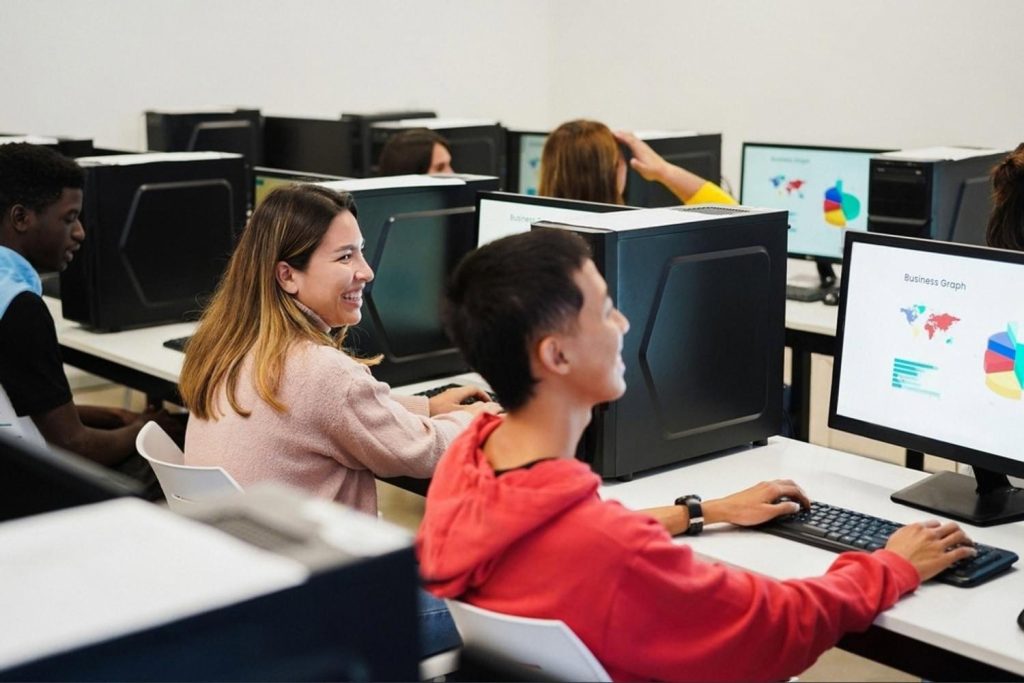
At a mid-sized school in Sharjah, the Year 4 maths teacher had the same problem every October: fractions. Kids nodded through the textbook, then froze at the worksheet. When the school rolled out interactive whiteboards and a set of shared classroom laptops, the teacher rebuilt the fractions unit around what a screen could show that paper could not. This is what changed, and what the rest of the school learned from it.
Before and after: the same fractions lesson, two ways
Textbook diagrams. Static. Kids copied without understanding. If a child was absent or travelled with family, they missed the lesson entirely.
A 100% bar on screen, split into coloured parts. Kids drag pieces, fill the white space themselves, and any child at home joins live from a laptop.
What we tried
The teacher started small. One projector, one laptop, one idea: make the maths visible. Instead of drawing a pie on the whiteboard, she opened a simple interactive tool that showed a full 100% bar. Kids came up one by one and split it: half for one shape, a quarter for another, and a blank white section they had to figure out. That white space was the whole lesson. It gave the class something to point at, argue about and fix in real time.
From there, the school widened the pilot. A few practical moves made the difference:
- Visual maths on the computer. Fractions, percentages and ratios shown as coloured bars and pies. Children colour the parts themselves and leave the unknown as white, so the answer is a shape before it is a number.
- Live online lessons. When a student travels with parents or stays home unwell, they join the same class on a laptop. During the pandemic, this kept the schedule intact for weeks at a time. UNESCO’s guidance on digital education pushed many UAE schools in the same direction.
- Short online movement breaks. A five-minute morning warm-up streamed to the whole grade at once. Kids stretch, jump and reset before the first lesson, whether they are in the classroom or logging in from Al Ain.
- Beginner coding and AI tasks for older students. Year 6 and up write simple prompts, build small scripts, and see how a machine follows instructions literally. It teaches logic better than any worksheet.
Not everything worked on the first try. The school tried recorded videos for absent students and quickly dropped them: no interaction, no questions, no feedback. Live joining beat recordings every time.
What worked, and why
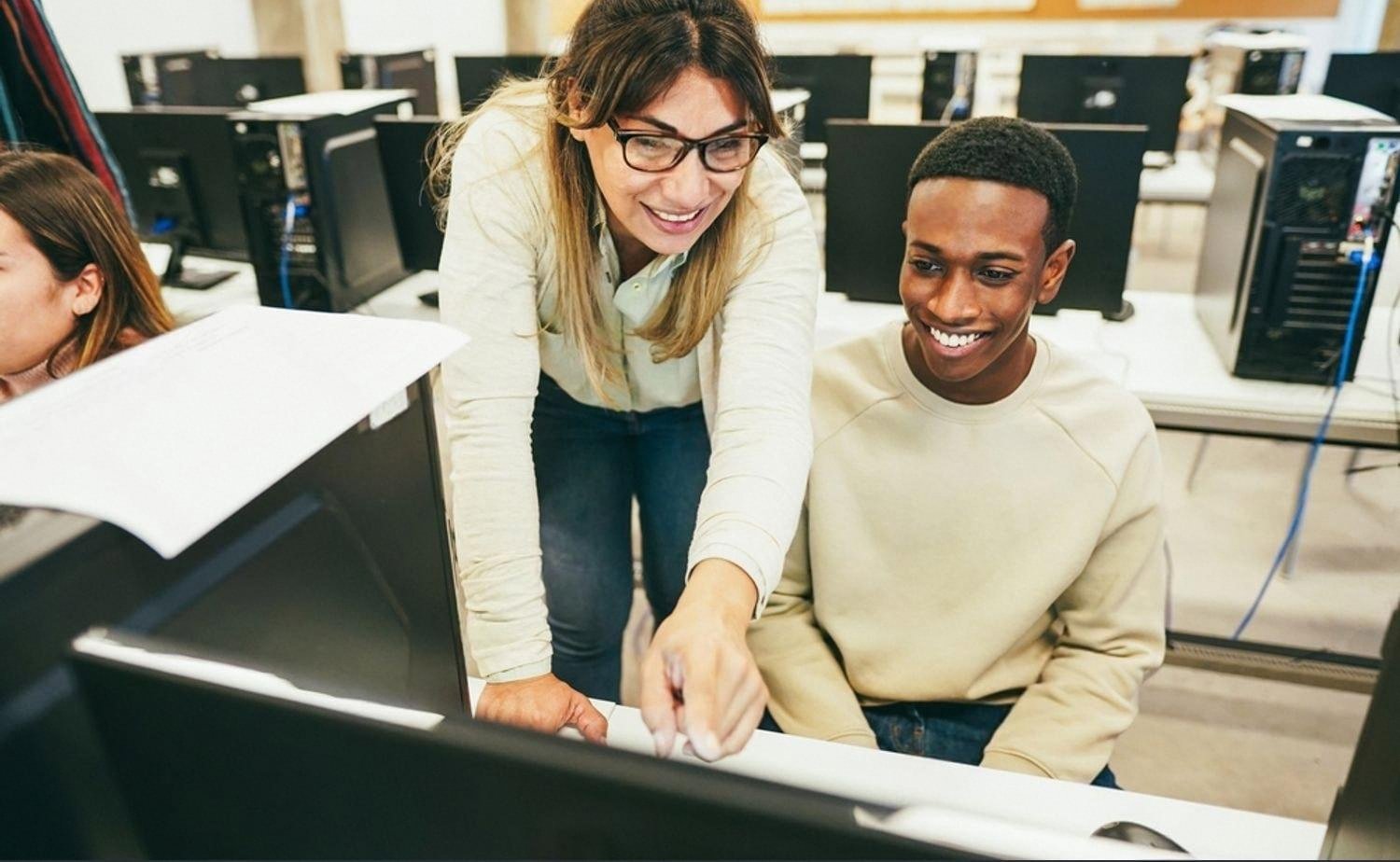
After one full term, the maths department pulled the pieces that consistently moved the needle. The pattern was the same across subjects: digital tools helped most when they made something invisible visible, or when they removed a hard barrier like distance or illness.
- Manipulating the answer, not just watching it. A child who drags three coloured segments into a bar understands 75% in a way a printed pie chart cannot teach. The screen lets them try, undo and try again without shame.
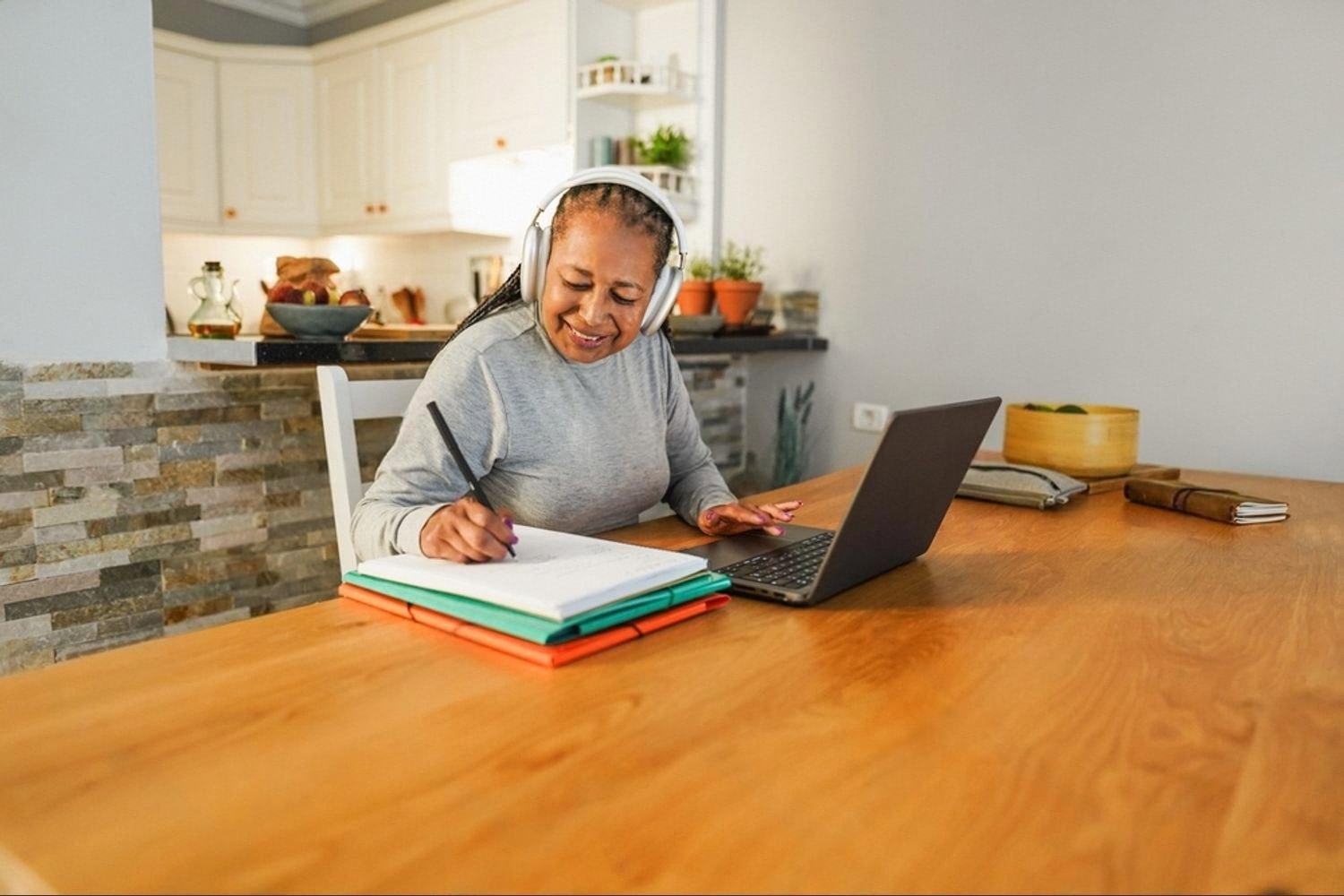
- No lost days. A family flying to Cairo for a wedding used to mean a week of catch-up. Now the child opens a laptop at the hotel and joins the 8:15 lesson. The teacher sees them on screen, calls on them by name, marks their work the same afternoon.
- Whole-school warm-ups. A shared morning routine, streamed once and joined by every classroom, builds a rhythm that stretches beyond PE. Younger students copy older ones on screen and treat it as normal.
- Real contact with computing. When 11-year-olds write a three-line instruction for a chatbot and watch it misinterpret them, they learn precision. That skill matters more each year, and it starts with a keyboard, not a textbook. Groundwork like the computational thinking approach fits naturally into primary and middle years.
- Feedback that arrives the same lesson. Quick digital quizzes tell the teacher who got lost on slide four, so the reteach happens on slide five, not next week.
This shift is visible across the country. Many private schools in ajman and the northern emirates have moved toward blended classrooms where the laptop sits next to the notebook rather than replacing it. The UAE’s own education strategy pushes schools in that direction, but the day-to-day work still comes down to a teacher deciding when to open the laptop and when to close it.
“The screen did not replace the teacher. It gave the teacher a way to show what she was already saying. The kids who used to nod started to ask questions instead.”
Where to start if you are a UAE school
You do not need a full one-to-one laptop programme to begin. The schools that got results usually started with one classroom, one teacher who was willing, and one lesson that was already hard to teach on paper. Fractions, forces in physics, cell diagrams in biology, verb tenses in Arabic: anything abstract benefits from being coloured, dragged and rebuilt on a screen. Add live-join for absent students, keep the tools boring and reliable, and expand once teachers are asking for more rather than being pushed.
Frequently asked questions
Do young children really benefit from computers in the classroom?
Yes, when the computer is used to make ideas visible rather than to entertain. A six-year-old dragging coloured pieces to build a whole understands parts and wholes faster than one copying a pie chart from a textbook.
The key is that the child interacts with the screen, not just watches it. Passive video is not much better than a printed page.
How do online lessons work when a child is travelling abroad?
Most UAE schools now let a student join the live class from a laptop or tablet, using the same video platform the school uses internally. The teacher sees them on screen, they see the interactive whiteboard, and they submit work digitally the same day.
Parents usually agree it with the class teacher a few days in advance so a device and login are ready.
Is teaching coding and AI to primary students too early?
Not if the tasks are simple. Writing a three-step instruction for a robot character, or asking an AI tool a clear question and comparing answers, teaches logic and precise language. These are core skills, not niche technical ones.
Older primary students in the UAE routinely handle block-based coding and beginner prompt-writing without difficulty.
Do interactive tools replace the teacher?
No. They give the teacher a better way to show, correct and check. The classroom conversation still runs through the adult in the room. Schools that tried to automate too much found engagement dropped.
What about screen time concerns?
Screen time in a structured lesson is different from screen time on a phone at home. In class, the screen is a shared tool, used for short bursts of 10 to 20 minutes, and paired with writing, discussion and movement.
Most UAE schools cap continuous screen use and mix in paper work and physical activity across the day.
What equipment does a school actually need to start?
Less than most people think. A stable internet connection, one interactive display or projector per classroom, and a shared trolley of 15 to 20 laptops or tablets is enough to run the model described here. Individual devices for every student help but are not required in year one.